

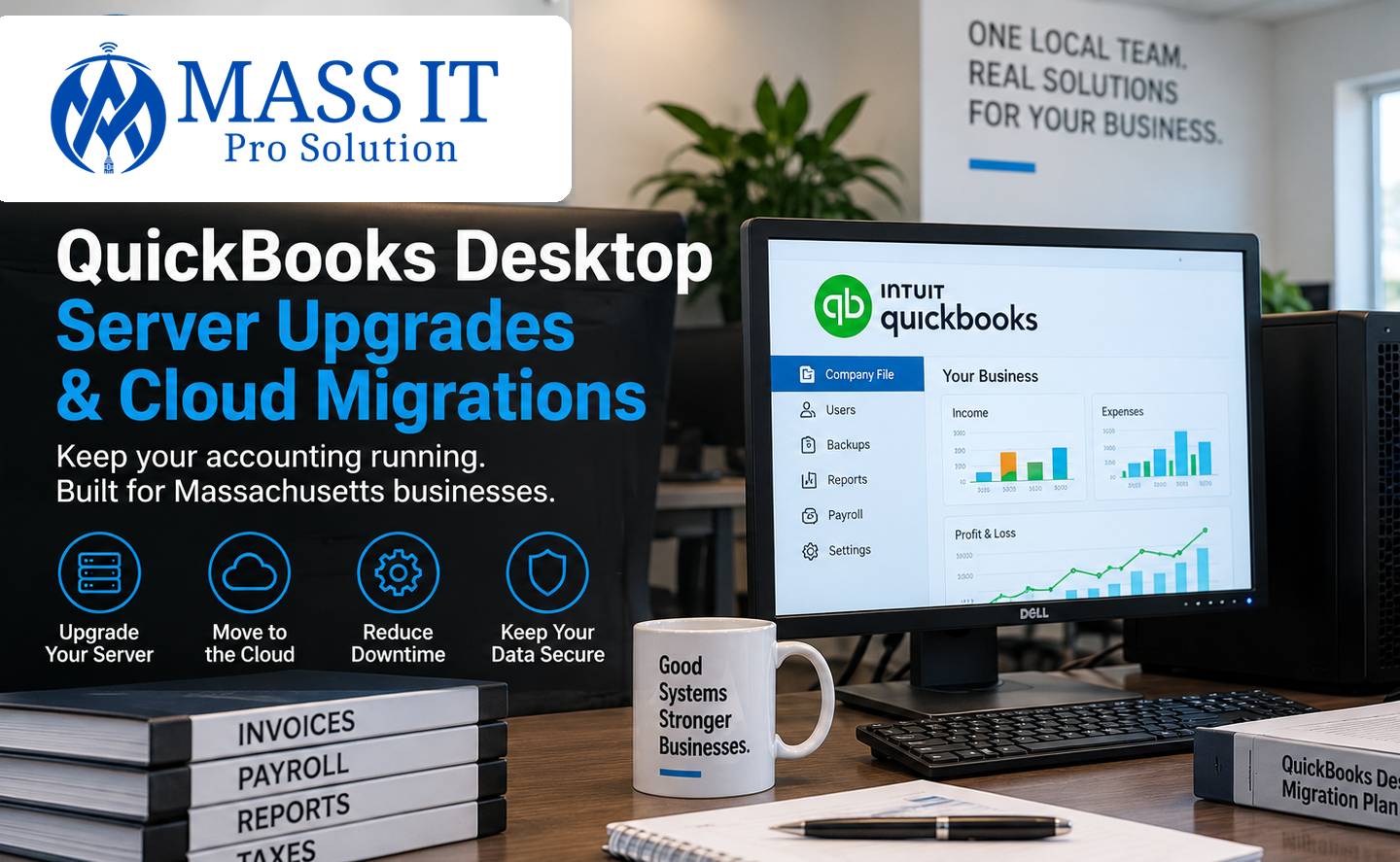
QuickBooks Desktop can become one of the most important systems in a business without anyone realizing how dependent the company has become on it.
Invoices, payroll, customer records, vendor information, job costing, financial reports, and years of accounting history may all depend on one company file and the computer or server hosting it.
That works well until the environment starts showing its age.
QuickBooks may begin opening slowly. Employees may lose multi-user access. The host computer may need frequent restarts. Backups may be inconsistent. Remote employees may struggle to connect. The server may be running an older version of Windows or QuickBooks that is approaching or already beyond support.
At that point, Massachusetts businesses usually face an important decision:
Should we replace the QuickBooks server, keep QuickBooks Desktop and host it in the cloud, or move to QuickBooks Online?
There is no single answer that fits every business.
The right choice depends on how your company uses QuickBooks today, how many employees need access, whether staff work remotely, which integrations you rely on, how your backups are handled, and whether changing accounting workflows would create more disruption than benefit.
Why Older QuickBooks Desktop Environments Need Attention
Older QuickBooks installations should not be treated like software that can run indefinitely without maintenance.
Intuit ended support for QuickBooks Desktop 2023 after May 31, 2026. Affected versions no longer receive critical security updates or live technical support and may lose access to connected services such as payroll, payments, and online banking.
For a business still running an older QuickBooks environment, that creates more than a software question.
The host computer or server may also be aging.
The Windows operating system may be outdated.
Storage may be slowing down.
Backups may never have been tested.
The network may not have been designed for reliable multi-user access.
Several years of small workarounds can eventually turn into one fragile accounting environment.
That is when it becomes worth reviewing the entire system instead of waiting for the server or workstation to fail.
Option 1: Upgrade the QuickBooks Desktop Server
For many businesses, keeping QuickBooks Desktop is still a practical choice.
A company may have employees who already know the software well, established accounting procedures, custom reports, job-costing workflows, or other applications that depend on QuickBooks Desktop.
If those workflows are working well, replacing the server may be less disruptive than changing accounting platforms.
How a QuickBooks Multi-User Server Works
In a multi-user QuickBooks Desktop environment, the company file is stored on a host computer or server while authorized employees access that file from their own workstations.
QuickBooks uses its Database Server Manager to help the workstations communicate with the company file and support multi-user access.
When that environment is configured correctly, several employees can work from the same company file without passing files between computers or relying on one employee’s workstation as an improvised server.
When it is configured poorly, businesses may experience:
- QuickBooks H202, H505, or other multi-user errors
- Employees getting kicked out of the company file
- Slow file access
- Permission problems
- Workstations that cannot locate the host
- Database Server Manager issues
- Firewall or network communication problems
- Frequent QuickBooks freezes
- Backups stored only on the same machine as the company file
Those problems are not always caused by QuickBooks itself.
Sometimes the real problem is the infrastructure supporting it.
Signs Your QuickBooks Server May Need an Upgrade
An older server does not have to completely fail before it becomes a business risk.
Common warning signs include:
- The server or host computer is several years old
- QuickBooks becomes noticeably slower during busy periods
- Multiple users experience connection problems
- The server is running an unsupported Windows version
- Storage is nearly full
- The system still relies on older mechanical hard drives
- Backups are inconsistent or have never been tested
- Employees depend on one workstation to keep QuickBooks available
- Remote access is complicated or unreliable
- The business has added users but never upgraded the server resources
Intuit’s current QuickBooks Desktop Enterprise requirements recommend Windows Server 2016, 2019, or 2022 for server environments and recommend SSD storage for performance. Server memory requirements also increase as the number of simultaneous users grows.
That does not mean every business needs a large enterprise server.
It means the server should be sized around how the business actually uses QuickBooks.
What a Proper QuickBooks Server Upgrade Should Include
Replacing the server should involve more than copying the company file onto a new machine.
A proper upgrade should review:
- The current QuickBooks Desktop version
- Windows Server or host operating system
- Processor and memory requirements
- SSD storage and available capacity
- Number of simultaneous QuickBooks users
- QuickBooks Database Server Manager
- Windows permissions
- Firewall configuration
- Network connectivity
- Company file location
- Backup and recovery
- Endpoint security
- Workstation compatibility
After the migration, each workstation should be tested before the old environment is retired.
The goal is simple:
Employees should be able to open QuickBooks, access the correct company file, work in multi-user mode, and continue normal business operations without wondering whether the server is going to hold up.
Option 2: Keep QuickBooks Desktop but Move It to the Cloud
Moving QuickBooks Desktop to the cloud does not necessarily mean switching to QuickBooks Online.
This distinction matters.
Businesses can continue using supported versions of QuickBooks Desktop through hosted environments where the application and company file run on remote infrastructure instead of a server located inside the office.
Intuit maintains an authorized hosting program for QuickBooks Desktop products.
For some businesses, this provides a middle ground.
They keep the Desktop interface and workflow they already understand while reducing dependence on a physical QuickBooks server in the office.
When Hosted QuickBooks Desktop Can Make Sense
Cloud-hosted QuickBooks Desktop may be worth considering when:
- Employees work from multiple locations
- A bookkeeper or accountant needs remote access
- The business wants to reduce local server infrastructure
- The existing Desktop workflow works well
- Moving to QuickBooks Online would create too many workflow changes
- The company wants easier access without maintaining its own remote-access server
This can be especially useful for accounting firms, contractors, professional offices, and other businesses where employees need access to the same accounting environment from more than one location.
Cloud Hosting Still Requires IT Planning
Moving the application off the office server does not eliminate every technology responsibility.
The business still needs secure workstations, user access controls, reliable internet connectivity, account management, endpoint protection, backups, employee onboarding and offboarding, and a clear understanding of who supports each part of the environment.
Cloud hosting changes where QuickBooks runs.
It does not eliminate the need to manage the systems employees use to access it.
Option 3: Move From QuickBooks Desktop to QuickBooks Online
QuickBooks Online is not simply QuickBooks Desktop running in a browser.
It is a separate accounting platform.
Once a business migrates from QuickBooks Desktop to QuickBooks Online, the two environments do not remain synchronized. The business performs its ongoing accounting work in QuickBooks Online moving forward.
For some businesses, that is exactly what they want.
For others, it may require more change than expected.
Why Businesses Move to QuickBooks Online
QuickBooks Online can make sense for businesses that want:
- Browser-based access
- Easier remote work
- Less dependence on a local accounting server
- Automatic platform updates
- Access from multiple locations
- Reduced local infrastructure
- Simpler access for outside accounting professionals
Intuit also identifies reduced dependence on local servers and manual software updates as benefits of moving to QuickBooks Online.
For a business that no longer wants to maintain a dedicated QuickBooks server, that can be attractive.
But the migration should still be planned carefully.
QuickBooks Desktop and QuickBooks Online Are Not Identical
One of the biggest mistakes a business can make is assuming every Desktop feature will work exactly the same after a move to QuickBooks Online.
Some information transfers differently, and some Desktop features are not available in QuickBooks Online.
Intuit documents differences involving areas such as budgets, inventory settings, bank feeds, price levels, mileage data, and other features.
That is why the decision should involve the people who actually use QuickBooks every day.
Before migrating, ask:
- Which reports does the accounting team depend on?
- Does the company use job costing?
- Are there third-party applications connected to QuickBooks?
- How is payroll handled?
- Is inventory being tracked?
- Are custom templates or workflows important?
- Does the accountant require specific Desktop functionality?
- How many years of company data are involved?
A migration that looks simple from an IT perspective can still affect accounting operations.
Your accountant or bookkeeper should review the financial and workflow impact.
Your IT provider should review the technology, infrastructure, security, backup, and migration requirements.
QuickBooks Server vs. Hosted Desktop vs. QuickBooks Online
| Consideration | Local Server Upgrade | Hosted Quickbooks Desktop | QuickBooks Online |
| Keep the familiar Desktop interface | Yes | Yes | No, different Platform |
| Physical server required in your office | Yes | No | No |
| Remote access | Requires additional configuration | Built around remote access | Browser-based access |
| Desktop-specific workflows | Strongest compatibility | Generally maintained | Must be reviewed before migration |
| Local server maintenance | Required | Reduced | Not required for Quickbooks |
| Internet dependency | Lower for local office users | High | High |
| Accounting workflow changes | Minimal | Minimal | Can be significant |
| Best fit | Businesses keeping Desktop and working primarily from one office | Businesses that need remote access but want to keep Desktop | Businesses ready to move to a cloud-based accounting workflow |
The best option depends on how your business uses QuickBooks today. A company should review its users, integrations, company-file complexity, accounting workflows, remote-access needs, backup requirements, and existing infrastructure before deciding which environment to use.
Should You Upgrade the Server or Move QuickBooks to the Cloud?
For many businesses, the decision becomes clearer once the current environment is reviewed.
A Local Server Upgrade May Be the Better Choice If:
- Your team works primarily from one office
- QuickBooks Desktop works well for your current accounting process
- Desktop-specific features or integrations are important
- You want to minimize workflow changes
- Your existing server is simply aging or underpowered
Hosted QuickBooks Desktop May Be the Better Choice If:
- You want remote access
- Employees work from several locations
- You want to keep the Desktop experience
- You want less physical server infrastructure in the office
- QuickBooks Online would require too many changes
QuickBooks Online May Be the Better Choice If:
- Your business is ready for a cloud-based accounting platform
- Employees regularly work remotely
- You want to reduce dependence on local infrastructure
- Your current workflows are compatible with QuickBooks Online
- Your accountant supports the move
The important point is that cloud is not automatically better, and keeping a server is not automatically outdated.
The right system is the one that supports the way your business actually operates.
Back Up QuickBooks Before Making Major Changes
A QuickBooks upgrade or migration should never begin with the assumption that the existing environment can simply be rebuilt if something goes wrong.
Before moving the company file, there should be a verified backup.
Before retiring an old server, the new environment should be tested.
Before abandoning QuickBooks Desktop, the accounting team should confirm that the data and reports needed in the new environment are available and accurate.
Intuit’s current Desktop-to-Online migration process requires businesses to prepare the company file and maintain administrative access to both environments.
A careful migration should include validation before the old environment is removed.
That may include:
- Confirming the correct company file migrated
- Comparing account balances
- Reviewing critical financial reports
- Testing user access
- Testing multi-user operation
- Verifying workstation connectivity
- Confirming backups
- Checking connected applications
- Confirming payroll or payment workflows
- Keeping a recoverable copy of the previous environment
A migration is not finished simply because the software opens.
It is finished when the business can work normally again.
Security Matters Around QuickBooks Too
QuickBooks often contains sensitive business and customer information.
Depending on how the company uses the software, that may include payroll information, financial account information, employee records, customer details, and other confidential data.
For Massachusetts businesses that own or license covered personal information about Massachusetts residents, 201 CMR 17.00 establishes requirements around protecting that information.
The regulation includes requirements involving access control, secure authentication, monitoring, firewall protection, security patches, malware protection, encryption in certain circumstances, and other safeguards where applicable.
That means an aging QuickBooks server should not be evaluated only for speed.
Security matters too.
An unsupported operating system, outdated QuickBooks version, poorly managed user accounts, weak backup process, or unsecured remote-access method can create unnecessary risk around financial information.
QuickBooks Support for Accounting Firms in Massachusetts
Accounting firms and tax professionals have little tolerance for avoidable technology problems during busy periods.
A QuickBooks server that slows down during tax season, a failed workstation, inaccessible company file, broken backup, or unreliable remote connection can interrupt client work immediately.
Mass IT Pro Solution supports accounting and financial businesses in Massachusetts with workstation management, cybersecurity, Microsoft 365, backup, server support, and technology planning built around deadline-heavy environments.
For firms using QuickBooks Desktop, the accounting platform should be included in that larger IT picture.
The workstation, server, network, backup, security tools, and user access all affect how reliably the application performs.
QuickBooks Support for Construction and Other Small Businesses
QuickBooks is also common in construction companies, trades, professional offices, nonprofits, and other small businesses across Massachusetts.
A contractor may rely on QuickBooks for invoicing, payroll, job costing, and financial reporting while also using Microsoft 365, estimating software, project-management platforms, and field applications.
A professional office may rely on QuickBooks alongside email, cloud file storage, shared folders, and other business applications.
That is why QuickBooks issues should not always be treated as isolated accounting-software problems.
A slow company file could involve the host machine.
A multi-user error could involve the network or firewall.
A remote-access problem could involve the server configuration.
A failed backup could turn a simple hardware problem into a much larger business interruption.
Experience With QuickBooks Multi-User Environments
When several employees need to use the same QuickBooks company file, the host environment needs to be configured correctly.
Mass IT Pro Solution has supported business QuickBooks multi-user environments, including projects involving a new host machine, workstation upgrades, Microsoft 365 configuration, secure data transfer, endpoint protection, monitoring, and patching. One Massachusetts client specifically described the QuickBooks multi-user environment as running smoothly after the work was completed.
For the business, the benefit is not the server itself.
It is having an accounting environment employees can depend on without constantly troubleshooting access, performance, or the computer hosting the company file.
QuickBooks Desktop Server Upgrades and Cloud Migration in Massachusetts
If your business depends on QuickBooks Desktop and the current server, workstation, or remote-access setup is becoming unreliable, the next step does not have to be an immediate migration.
Start by reviewing what you already have.
Mass IT Pro Solution can help evaluate:
- The QuickBooks Desktop environment
- Existing server or host computer
- Workstations
- Multi-user configuration
- Network connectivity
- Backup and recovery
- Remote-access requirements
- Windows compatibility
- Security controls
- Cloud-hosting options
- Technical requirements for a QuickBooks Online migration
From there, your business can determine whether it makes more sense to upgrade the existing infrastructure, move QuickBooks Desktop to a hosted environment, or prepare for a transition to QuickBooks Online.
We support businesses throughout Massachusetts with remote and on-site IT service, including MetroWest, Greater Boston, Worcester, and surrounding communities.
The objective is not to push every business into the cloud.
It is to make sure the accounting system your company relies on is secure, supportable, backed up, and built around the way your employees actually work.
Ready to Review Your QuickBooks Environment?
If your QuickBooks server is aging, multi-user access is becoming unreliable, or your business is considering a move to the cloud, Mass IT Pro Solution can review the current environment and help you understand the technical options before you make the change.
Contact Mass IT Pro Solution for a business IT consultation.