01
User Reports the Issue
Your staff reaches out by phone, email, or ticket with the problem, what is affected, and how urgent it is.
IT Help Desk Support
When your staff cannot sign in, email stops syncing, printers disappear, Microsoft 365 throws errors, or a workstation suddenly slows down, your business does not need excuses. It needs fast IT help desk support from technicians who know how to diagnose the issue, resolve it properly, and keep it from turning into a recurring mess.
Help Desk Capabilities
A business help desk should do more than acknowledge the problem. It should own it.


Help Desk Deliverables
Our help desk is built around the daily support work that keeps businesses moving.
Businesses do not need a complicated support process. They need one that is clear, responsive, and accountable.
01
Your staff reaches out by phone, email, or ticket with the problem, what is affected, and how urgent it is.
02
We review the problem, determine business impact, and decide whether it should be prioritized, scheduled, or escalated based on severity and business impact.
03
Most issues are addressed remotely first so we can move fast, reduce downtime, and avoid unnecessary delays.
04
If the issue involves hardware, physical networking, device replacement, or anything remote support cannot resolve properly, we move it to the right technician or dispatch on-site support.
Industries That Need Responsive Support
Different industries feel support delays in different ways. A law firm loses billable time. A medical office slows patient flow. A financial team risks deadline pressure. Mass IT Pro Solution provides IT help desk support for Massachusetts businesses that need users helped quickly, issues handled clearly, and recurring problems fixed properly.
These are the questions businesses usually ask before handing daily support to a real IT help desk.
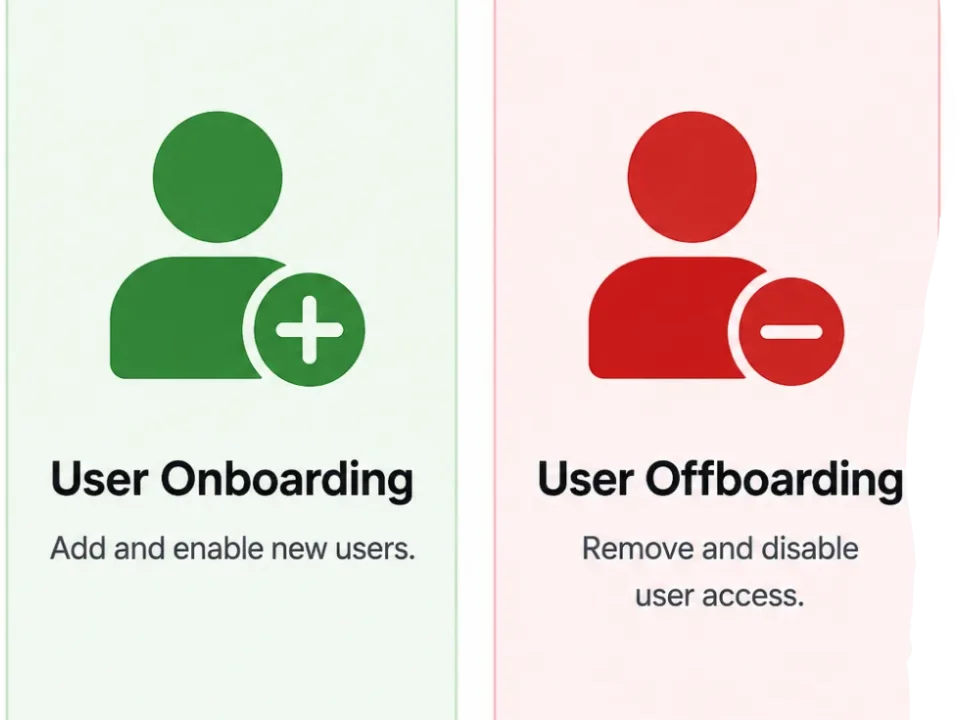
IT help desk support covers the day to day technical issues that interrupt staff productivity. That includes login problems, password resets, Microsoft 365 issues, Outlook errors, printer access, shared folder problems, workstation troubleshooting, software support, user setup, access changes, and general user assistance for business technology.
Yes. Many issues are resolved faster through remote support, but when a problem needs hands-on work, we provide on-site IT support as well. That includes hardware issues, physical setup, printer work, network troubleshooting, and device replacement.
Yes. We support remote and hybrid users with email issues, VPN access, Microsoft 365 problems, device setup, login failures, file access issues, and other day to day support needs that affect distributed teams.
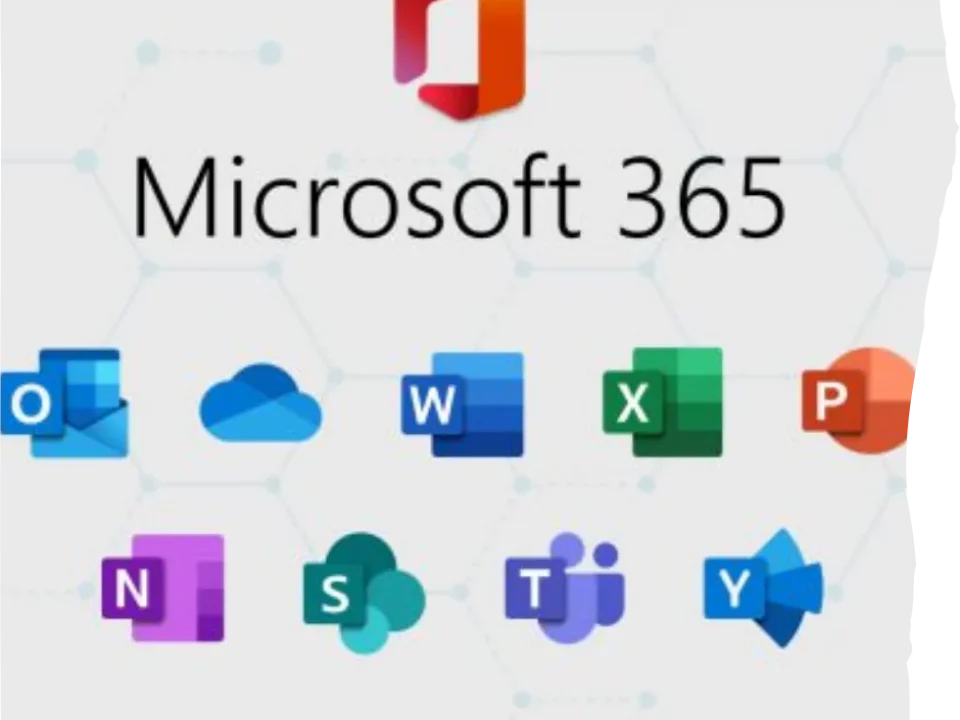
Yes. Microsoft 365 support is a major part of business help desk work. We assist with Outlook, Teams, OneDrive, SharePoint, mailbox access, password issues, MFA problems, email sync, user setup, and common tenant-related user support tasks.
IT help desk support focuses on resolving user issues and day to day technical problems. Managed IT services go further by adding proactive monitoring, patching, maintenance, vendor coordination, planning, and broader ownership of the environment. Some businesses need help desk only. Others need the full managed model.
Yes. We can act as the full help desk for businesses without internal IT, or work alongside an internal point person, operations lead, or office manager who needs outside technical support and escalation backup.