



Home WiFi and Network Help That Fixes the Real Problem

If your internet feels fine in one room and useless in another, your devices keep dropping off WiFi, your mesh system is a mess, or your house is full of dead zones and buffering, the problem is not going to fix itself. Mass IT Pro Solution provides a home WiFi setup service that handles setup, troubleshooting, signal problems, mesh systems, extenders, and the home network issues that keep making everything unreliable.

What We Handle in a Home WiFi and Network Service Call

This page covers more than one problem because bad WiFi is usually not just one problem. It is often a chain of weak decisions, weak equipment, bad placement, and poor setup.
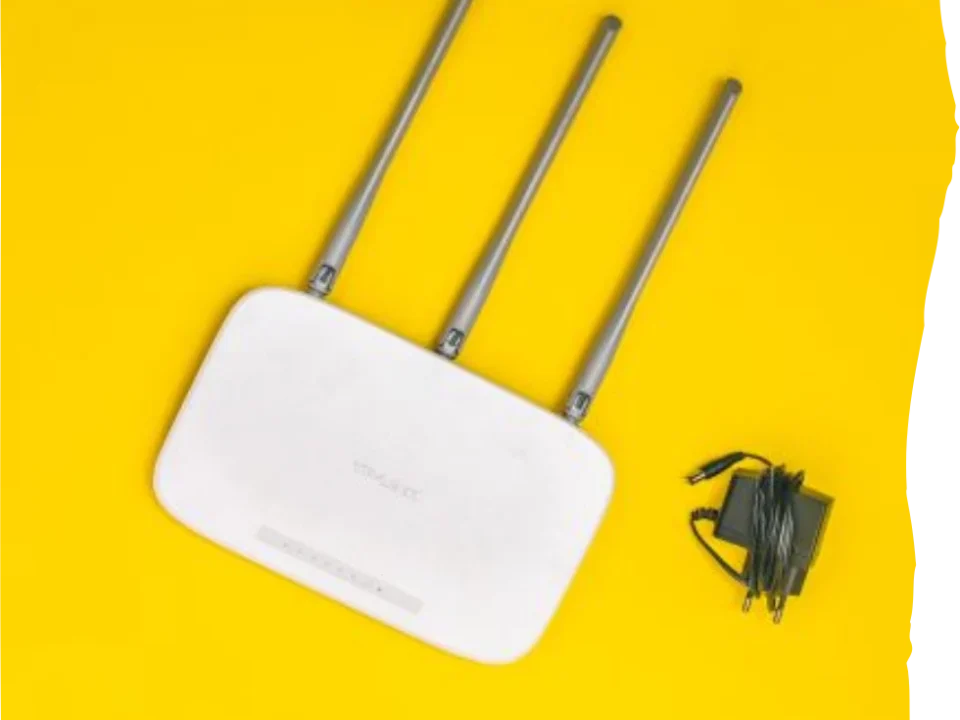
Home WiFi Setup and Optimization as part of home network help from Mass IT Pro Solution.

Home WiFi Setup and Optimization

We set up and configure home wireless networks so coverage and performance make sense for how the household actually uses the internet. That includes router setup, wireless settings, device organization, and correcting weak initial installs.

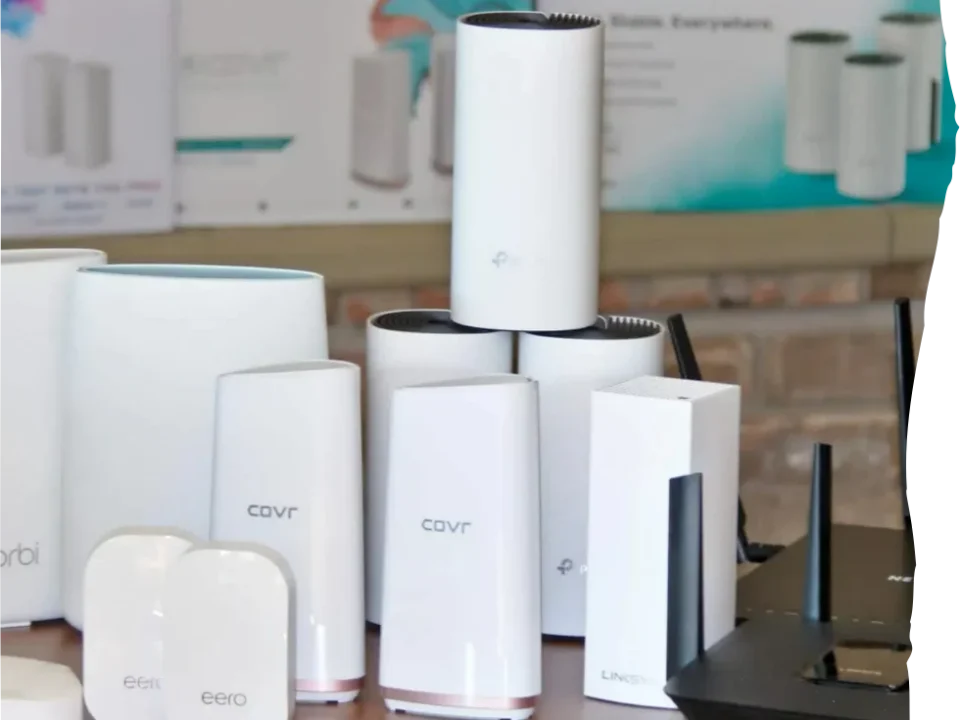
Mesh WiFi System Setup as part of WiFi troubleshooting service from Mass IT Pro Solution.

Mesh WiFi System Setup

Mesh systems can work very well when they are designed properly and very badly when they are not. We help place nodes correctly, configure the system cleanly, and improve handoff behavior so coverage is more stable across the house.

Dead Zone and Weak Signal Correction as part of fix weak WiFi signal from Mass IT Pro Solution.

Dead Zone and Weak Signal Correction

If parts of the house barely get signal, the issue may be placement, materials, layout, or the wrong equipment for the space. We help identify the cause of dead zones and improve wireless reach where the network actually needs to perform.

WiFi Extender and Device Drop Troubleshooting as part of WiFi troubleshooting service from Mass IT Pro Solution.

WiFi Extender and Device Drop Troubleshooting

A lot of extender setups create more problems than they solve. We troubleshoot extenders, device disconnects, unstable roaming, and cases where devices constantly fall off or connect to the wrong signal source.

What Is Included in Our Home WiFi & Network Help

Every house and network problem is different, but these are the main areas we cover when setting up or correcting a home wireless network.
Label Home WiFi setup and configuration Router and modem placement review Mesh WiFi setup and optimization WiFi extender troubleshooting Dead zone and weak signal review Device drop and connection troubleshooting Speed issue review inside the home Equipment recommendation when needed

How Our Home WiFi Setup Service Works

This is the process we follow when a home network is weak, unstable, badly set up, or overdue for a proper fix.

01

We Identify the Real Symptoms

Slow speed in one room, dead zones upstairs, random device disconnects, unstable smart home gear, bad video calls, or poor streaming all point to different causes. We start with what the network is actually doing wrong.

02

We Review the Current Equipment and Layout

We look at the router, modem, mesh nodes, extenders, device count, and the layout of the home to understand whether the network design makes sense or is part of the problem.

03

We Separate ISP Problems From In-Home WiFi Problems

A lot of homeowners blame the provider for issues that are happening inside the house. We work to isolate whether the real problem is incoming internet service or the internal wireless setup.

04

We Correct the Setup

That may mean adjusting placement, cleaning up the configuration, setting up mesh properly, fixing extender problems, reconnecting devices, or recommending better-fit equipment when the current hardware is the weak link.

Home WiFi and Network Help Questions

These are the questions homeowners usually ask when the network keeps underperforming and nobody wants to keep guessing.

Yes. That is one of the most common home network problems. Weak coverage in certain rooms usually points to placement issues, dead zones, layout interference, poor mesh design, or equipment limits. The fix depends on the actual cause, not on throwing random extenders at the house.

We do both. This page covers new setup, cleanup of bad installs, mesh and extender correction, weak signal issues, device drops, and broader home network troubleshooting.

Yes. Mesh WiFi can work very well when the node placement and configuration are done properly. It can also perform badly when it is installed without thinking through the layout. We help set it up correctly and improve coverage where the household actually needs it.

That is exactly the line that needs to be separated. Some problems come from the incoming internet service. Others are caused by the wireless network inside the home. We help isolate where the failure is happening so you stop wasting time blaming the wrong part of the chain.

Yes. A lot of home WiFi calls are really about connected devices that fail because the network is unstable, coverage is weak, or the setup was sloppy from the start. We help correct the network side and reconnect devices cleanly.

No. Some extender setups help. Some make the network worse. A bad extender setup can create weak roaming, lower speeds, confusing network names, and unstable device behavior. That is why the network should be evaluated before more hardware gets piled onto it.