01
User Reports the Issue
The user contacts us with the problem, what they are seeing, what is affected, and how urgent it is.

Business IT Service
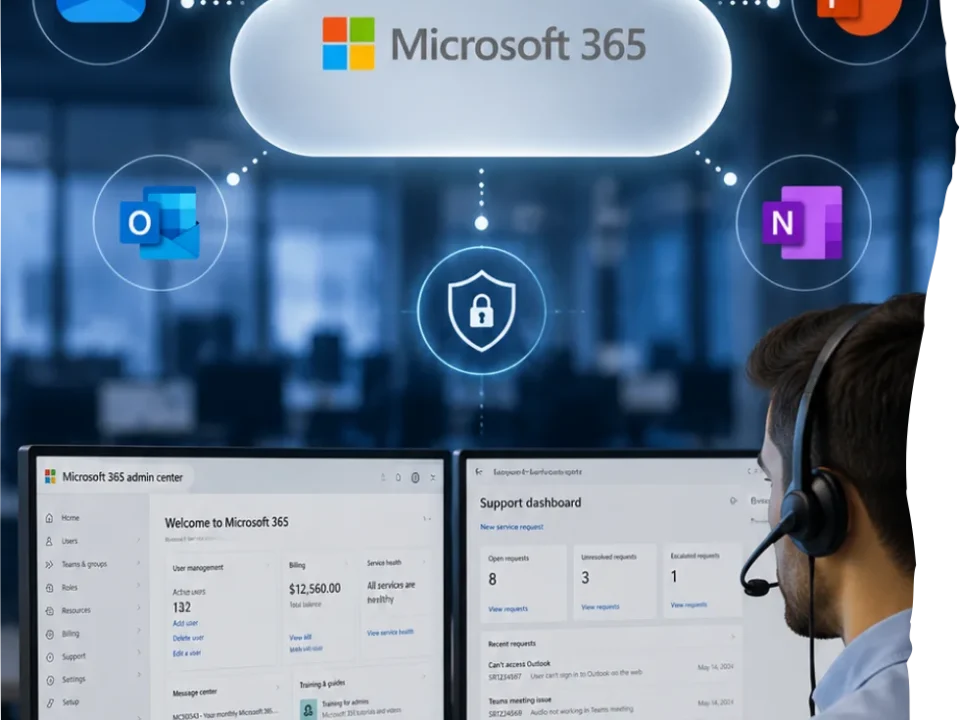
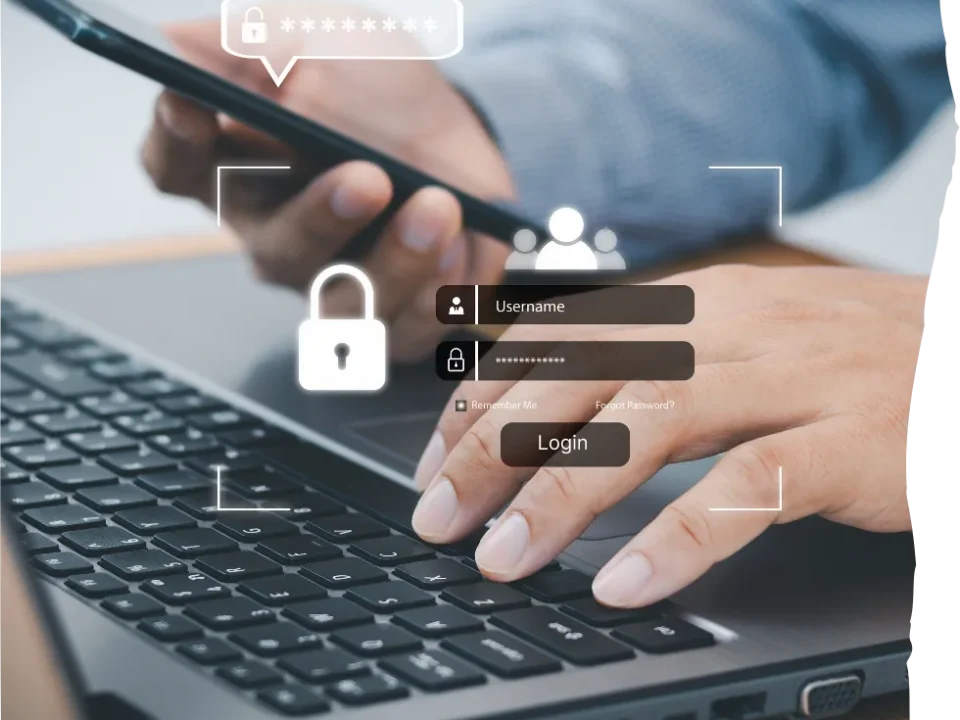
When a user cannot sign in, Outlook breaks, Microsoft 365 access fails, files stop syncing, or a workstation starts acting up, waiting days for an on-site visit is a waste. Mass IT Pro Solution provides remote IT support for businesses that need fast troubleshooting, real resolution, and a technician who actually knows what they are doing.
Remote Support Capabilities

Remote Support Deliverables
01
The user contacts us with the problem, what they are seeing, what is affected, and how urgent it is.
02
We quickly determine whether the problem is a good fit for remote resolution or whether it needs to be escalated right away.
03
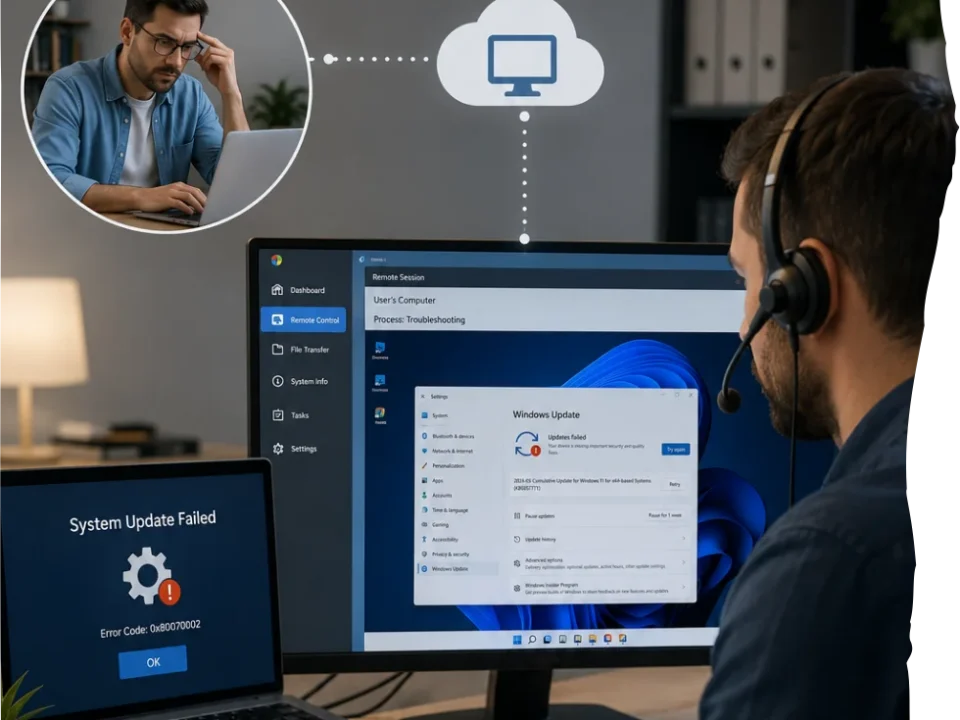
We connect securely to the affected system or user session so we can see the issue directly instead of guessing based on incomplete descriptions.
04
We work through the issue, apply the fix, test the result, and look for the underlying cause when the same problem keeps recurring.

Industries That Need Fast Remote Support
Remote IT support is technical assistance provided through secure remote access so a technician can troubleshoot and resolve issues without being physically on-site. It is commonly used for login issues, Microsoft 365 problems, software errors, access failures, sync issues, user support, and many workstation-related problems.
Many day to day business IT issues can be handled remotely, including password resets, Outlook problems, Microsoft 365 access issues, Teams and OneDrive problems, VPN troubleshooting, printer mapping, software errors, browser issues, permissions changes, and a wide range of user support requests.
It should be. Secure remote support depends on using trusted tools, controlling access properly, and handling user systems with the same care you would expect on-site. Remote support should never be treated like a shortcut around security.
Yes. Remote IT support is especially useful for hybrid teams, remote staff, satellite users, and businesses with employees working from multiple locations. It lets us resolve many issues quickly without waiting for travel time.
Not always. Remote support can be provided as part of ongoing business IT service or as needed, depending on the relationship and scope. Some businesses need recurring support coverage. Others need targeted help when issues come up.
Remote support is not the right fit when the issue involves failed hardware, broken screens, cabling problems, physical network work, equipment replacement, or anything that requires hands on access. In those cases, the issue should be escalated quickly instead of wasting time.