

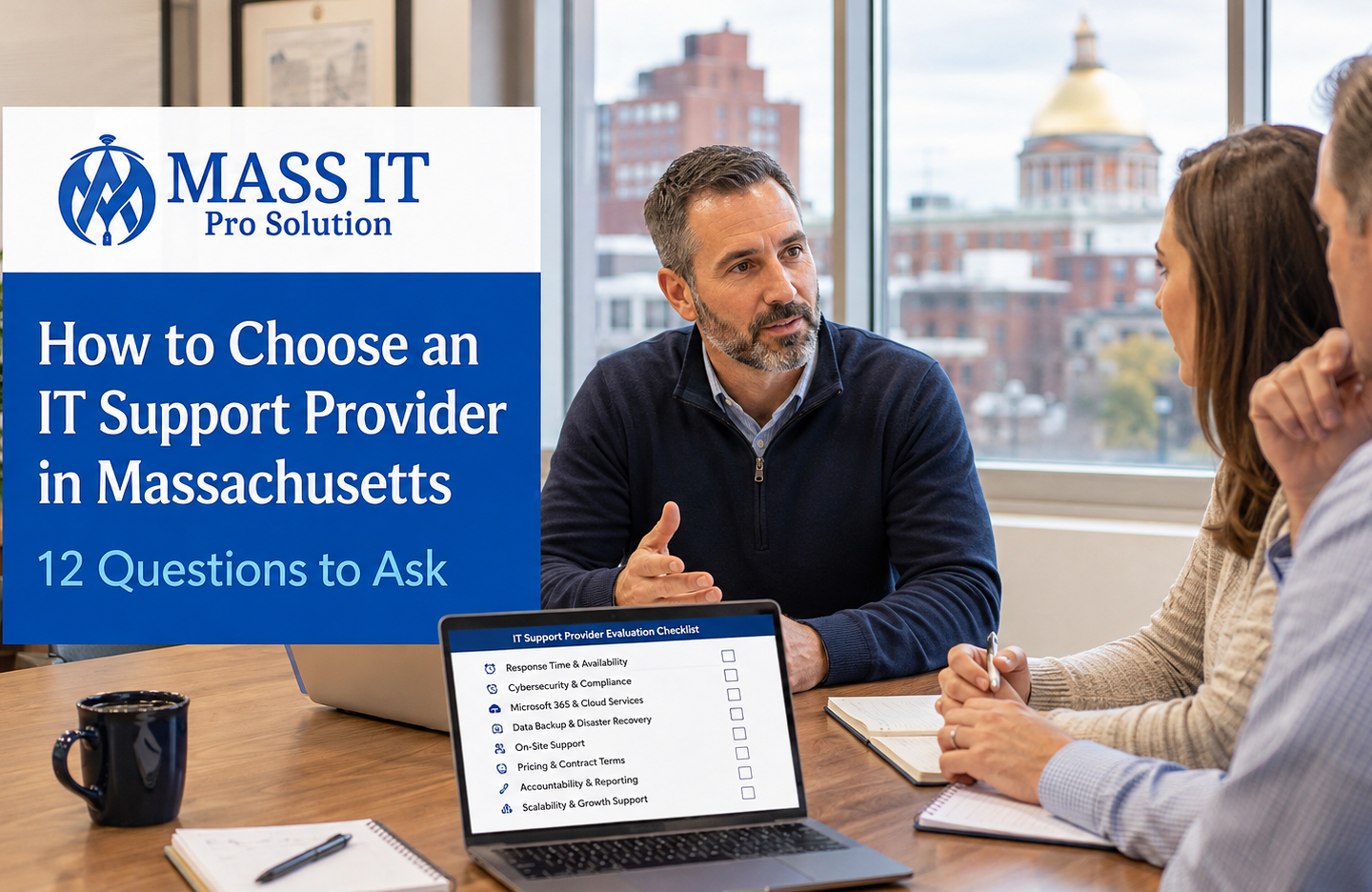
How to Choose an IT Support Provider in Massachusetts: 12 Questions Every Business Should Ask
Choosing an IT support provider should not start with asking who has the lowest monthly price.
It should start with a more important question:
Who is going to be responsible when your employees cannot work, Microsoft 365 stops cooperating, a backup fails, your network goes down, or a security alert needs immediate attention?
For a Massachusetts small business, the right IT provider becomes part of the operating structure of the company.
The wrong provider becomes another vendor you have to manage.
That difference usually does not become obvious during the sales presentation. It becomes obvious after the agreement is signed.
Before choosing an IT support company, ask these 12 questions.
1. What Exactly Is Included in Your IT Support?
“Managed IT” can mean very different things depending on the provider.
One company may provide basic remote support.
Another may manage workstations, updates, Microsoft 365, cybersecurity, backups, network infrastructure, vendor relationships, onboarding, and technology planning.
Do not assume anything is included.
Ask the provider to explain exactly what they manage.
For many Massachusetts businesses, that may include:
- Employee help desk support
- Workstation management
- Patch management
- Endpoint protection
- Microsoft 365 administration
- User onboarding and offboarding
- Backup monitoring
- Network and Wi-Fi support
- Firewall management
- Vendor coordination
- Remote support
- On-site service
- Technology planning
The scope should be understandable before you sign.
If the provider cannot clearly explain what they own, you may discover later that important responsibilities fall into a gray area.
What to ask
“If something breaks tomorrow, which systems are your responsibility and which ones are mine?”
That question exposes vague service agreements very quickly.
2. Do You Provide Both Remote and On-Site IT Support?
Remote support is essential because many everyday problems can be resolved without waiting for a technician to travel.
But not every problem is remote.
A failed switch, firewall replacement, cabling problem, Wi-Fi coverage issue, workstation installation, equipment move, or physical network failure may require someone on-site.
Your provider should have a clear answer for both.
Mass IT Pro Solution’s current help desk model, for example, separates remote troubleshooting from physical issues that require an on-site technician.
For Massachusetts businesses, particularly offices without internal IT staff, having access to both can eliminate the need to coordinate multiple vendors.
Ask:
“When remote support cannot solve the issue, who actually comes to our office?”
3. How Fast Do You Respond When Employees Cannot Work?
Do not settle for:
“We respond quickly.”
That means nothing.
Ask what actually happens when:
one employee cannot log in
versus
the entire office loses internet access.
A professional IT provider should have an escalation process based on business impact.
A printer problem and a company-wide outage should not enter the same queue with the same priority.
Ask the provider how incidents are classified, how support is requested, who receives urgent calls, and what happens when a problem cannot be resolved immediately.
4. How Do You Handle Cybersecurity?
Cybersecurity should not be one antivirus program installed on the computers.
A business IT environment usually requires multiple controls working together.
That can include endpoint protection, software updates, MFA, account security, firewall management, backup protection, email security, access control, monitoring, and employee procedures.
CISA recommends measures including multi-factor authentication, software updates, backups, encryption, logging, and employee security practices for small and medium-sized businesses.
Your IT provider should be able to explain how those responsibilities are managed.
Ask:
“Who reviews security alerts, failed updates, suspicious logins, and endpoint detections?”
If the answer is essentially:
“The software handles it.”
Keep interviewing providers.
Software is a tool.
Someone still needs responsibility for what the tool reports.
5. How Will You Protect Our Microsoft 365 Environment?
Microsoft 365 is no longer just email for most businesses.
It may contain:
Outlook and Exchange
Teams
OneDrive
SharePoint
Shared mailboxes
Company documents
Employee identities
Administrative accounts
Business communication
That means Microsoft 365 administration should not be treated as an afterthought.
Ask whether the provider handles user accounts, licensing, MFA, administrative permissions, onboarding, offboarding, email issues, OneDrive, SharePoint, Teams, and security configuration.
Your IT provider should also understand the difference between maintaining Microsoft 365 and actually protecting the information stored inside it.
6. How Do You Verify That Our Backups Actually Work?
“We have backups.”
Good.
Now ask:
When was the last successful backup?
Then:
When was the last successful restore?
Those are different questions.
A backup system that quietly fails for three months is not much of a backup system.
Your provider should know:
what data is protected,
how frequently it is backed up,
how failures are detected,
where backups are stored,
who reviews alerts,
and how recovery would actually work.
For critical systems, recovery expectations should be discussed before the emergency happens.
7. How Do You Handle Massachusetts Data-Security Requirements?
This question matters more in Massachusetts than many businesses realize.
Massachusetts regulation 201 CMR 17.00 establishes minimum security requirements for organizations that own or license personal information about Massachusetts residents.
Massachusetts guidance also specifically addresses controls such as access restrictions, authentication, encryption where technically feasible, monitoring, firewall protection, security patches, malware protection, employee training, and oversight of third-party service providers.
That does not mean your MSP becomes your attorney or compliance officer.
It means they should understand that Massachusetts businesses can have state-specific security obligations.
Ask:
“How do you help clients identify and implement technology controls related to 201 CMR 17.00?”
For healthcare, legal, accounting, financial, nonprofit, construction, and other organizations handling sensitive information, that conversation becomes even more important.
8. What Happens When We Hire or Terminate an Employee?
Employee changes are technology events.
When someone starts, the business may need:
a workstation
email
Microsoft 365 licensing
shared folder permissions
applications
MFA
security tools
printer access
VPN access
When someone leaves, those same systems may need to be disabled immediately.
Massachusetts’ own security guidance includes restricting terminated employees’ access to records containing protected personal information.
Ask whether your IT provider uses a documented onboarding and offboarding process.
That process protects the business while making employee transitions much smoother.
9. Who Coordinates With Our Other Technology Vendors?
This problem wastes an unbelievable amount of business time.
Your internet provider says:
“Call your IT company.”
Your IT company says:
“Call the software vendor.”
The software company blames the network.
The phone provider blames Microsoft.
And your office manager becomes the unpaid project manager for four technology companies.
A strong IT services provider should be willing to coordinate with other technology vendors when the issue touches systems they manage.
That does not mean they are responsible for every third-party product.
It means they help determine where the actual failure is instead of immediately pushing the problem back onto the customer.
Ask:
“If two vendors are blaming each other, who takes ownership of troubleshooting?”
That answer tells you a lot about the provider.
10. Will We Know What Is Happening With Our Technology?
You should not need to become an IT expert.
But you should understand your own business environment.
Your provider should maintain useful documentation and be able to explain:
what systems you have,
what is approaching end-of-life,
what security risks exist,
what major work was performed,
what needs improvement,
and what technology investments are coming next.
The objective is not to bury the owner in technical reports.
It is to prevent technology from becoming an invisible black box.
11. How Is Pricing Structured?
The cheapest IT provider can become very expensive if important services are outside the agreement.
Ask exactly how pricing works.
Find out whether the agreement covers:
help desk support,
on-site work,
projects,
new computers,
Microsoft licensing,
security tools,
backup services,
after-hours support,
network changes,
and vendor coordination.
Then ask which services are billed separately.
A professional IT services agreement should make the financial responsibility understandable before the relationship begins.
12. Can You Show Evidence of Real Work?
Marketing language is easy.
Every IT company can claim to be:
“proactive”
“secure”
“responsive”
“trusted”
“professional”
Ask for something more useful.
Ask what kinds of environments the provider actually supports.
Ask how they handled a difficult network problem.
Ask about Microsoft 365 projects.
Ask about backup recovery.
Ask how they manage recurring workstation problems.
Ask how they handle a business with no internal IT staff.
Ask to see real project examples where appropriate.
You are not trying to discover whether they have the prettiest website.
You are trying to determine whether they can operate inside a real business environment.
What Should a Massachusetts Business Look for in an IT Provider?
The strongest IT support provider is usually not the company with the longest service list.
It is the one that can clearly answer:
What do you manage?
How do you secure it?
How quickly do you respond?
Who owns the problem?
What happens when remote support is not enough?
How do you protect our data?
What happens as our business grows?
If those answers remain vague during the sales process, they will probably remain vague once something breaks.
Local IT Provider vs. National IT Provider
Both models can work.
A national provider may have a larger support organization and broader geographic resources.
A local IT provider can offer advantages when the business needs an understanding of its physical environment, on-site service, regional vendor coordination, or direct accountability.
For a Massachusetts small business, the question should not simply be:
“Are they local?”
It should be:
“Can this provider support our employees remotely while still showing up when our physical infrastructure needs attention?”
That combination can be particularly valuable for businesses operating offices, clinics, professional practices, warehouses, construction operations, and multi-location environments.
When Should a Business Consider Managed IT Support?
A business may be ready for managed IT support when technology becomes too important to manage reactively.
recurring outages,
unreliable backups,
security responsibilities nobody owns,
Microsoft 365 problems,
employees waiting too long for support,
poor onboarding and offboarding,
network instability,
and an owner or office manager spending too much time managing technology vendors.
The goal of managed IT is not simply to fix more problems.
It is to create enough structure that fewer preventable problems reach the business in the first place.
Questions to Ask Before Signing an IT Services Agreement
Before choosing a provider, you should be able to answer four things clearly:
Who owns each part of the environment?
How does support work when something goes wrong?
How is the business protected and monitored?
What will the relationship actually cost?
If you still cannot answer those questions after reviewing the proposal, ask for clarification before signing.
A good provider should welcome those questions.
Choosing an IT Support Provider in Massachusetts
Massachusetts businesses do not all need the same technology stack.
A five-person accounting office does not operate like a construction company.
A medical practice has different workflows from a law firm.
A nonprofit has different budget pressures from a financial organization.
The provider should understand how your employees actually use technology before recommending what you should buy.
Mass IT Pro Solution provides remote and on-site business IT support across Massachusetts, including managed IT, cybersecurity, Microsoft 365, networking, backup and disaster recovery, and help desk support from one local team. The company’s current business-service architecture is specifically organized around those functions.
If your business is comparing IT providers, start with an assessment of the environment you already have.
That gives you something much more useful than another sales presentation:
a clear picture of what is working, what is vulnerable, and what actually needs attention.
Ready to Review Your Current IT Environment?
Request a free business IT consultation with Mass IT Pro Solution.
One local team. Clear responsibility. Technology built around how your Massachusetts business actually works.